
The fastest way to make a $0 business cost money is to search for “tools every online business needs.” I know because I did it. You start with an innocent question about email and somehow end up looking at project-management software, keyword tools, social schedulers, video editors, premium themes, artificial-intelligence subscriptions and a course teaching you how to use the subscriptions you just bought. Each one is affordable in isolation. Together they can quietly create a business that needs customers simply to pay for the machinery.
Built on Zero exists partly because I wanted to challenge that order. I am not against paying for software. I already know good tools can save enormous amounts of time. I am against buying capacity before the business has demonstrated a need for it. My 2026 starter stack therefore has one rule: every tool must have a job that contributes to creating, publishing, capturing attention or converting it. “Everyone uses it” is not a job.
The centre of my stack is Systeme.io because it is replacing several categories at once. The current free plan gives me up to 2,000 contacts, three funnels, unlimited email sends, a blog, one course and one custom domain without requiring a credit card. I am using it for landing pages, email capture, automation and the funnel around the $0 Business Stack. That prevents me from buying a separate landing-page builder, email platform and basic funnel tool before the project earns anything.
START WITH SYSTEME.IO’S FREE PLAN — CLICK HERE
That is an affiliate link, so I may earn a commission if you later purchase an eligible paid plan. The reason it belongs near the beginning of this article is simple: it removes several items from the beginner shopping list at once. Start free and make the paid plan earn its place later.
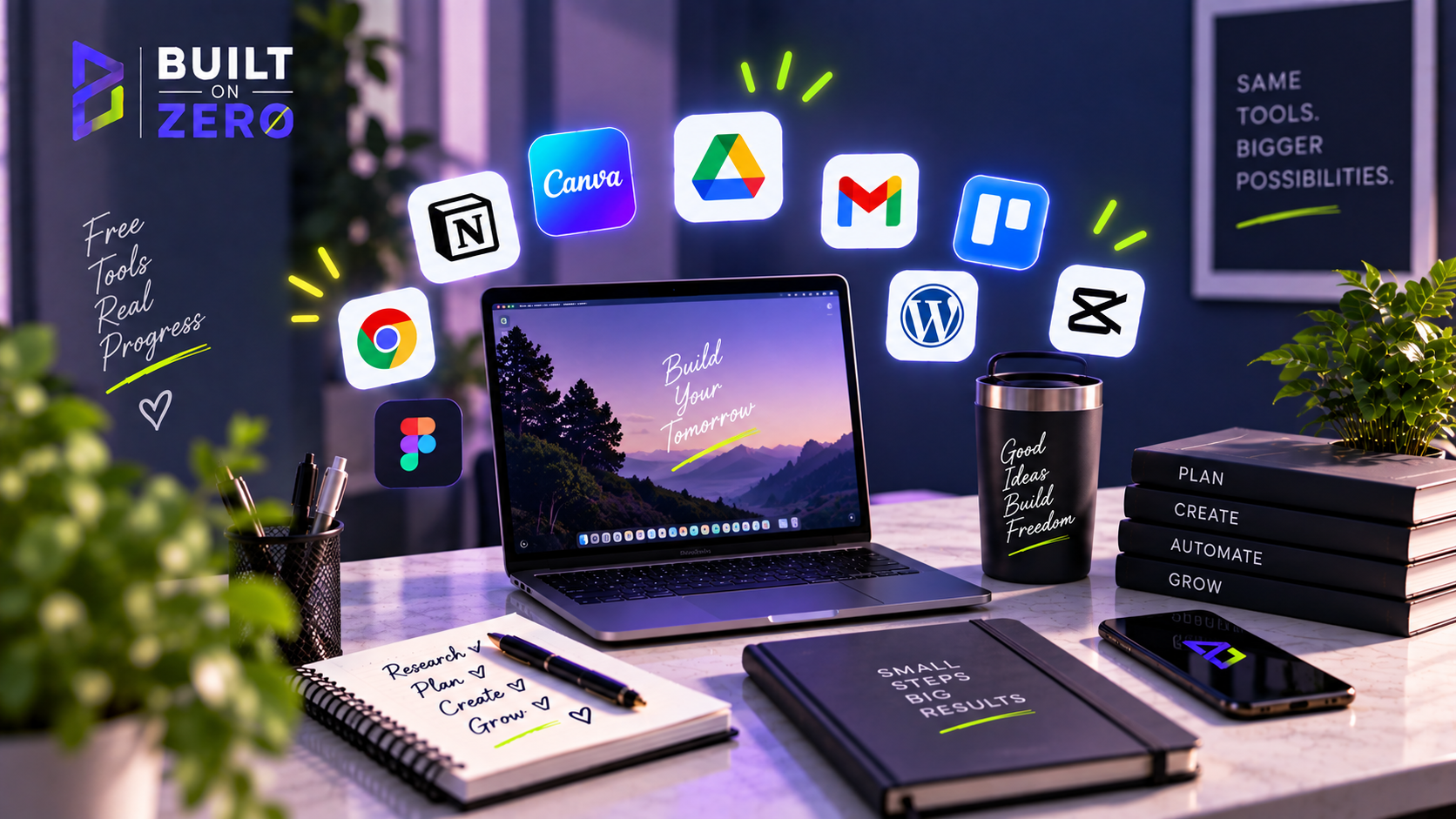
For design, Canva’s free tier is enough for a surprising amount of work. Built on Zero needs Pinterest graphics, social posts, thumbnails, simple PDFs and visual elements for the website. I do not need every premium asset to create useful content. The important thing is to build a repeatable visual system: a few brand colours, consistent typography, templates that can be adapted and enough restraint not to redesign the brand every Tuesday.
For video, the best free choice depends on the device and format, but I would begin with whatever lets you edit clean vertical video without turning production into a film degree. CapCut has become popular for a reason, and there are other capable free editors. My rule is that editing should support the information. If a thirty-second tip takes two hours because I am adding twelve transitions, I have misunderstood the economics of a beginner content business.
For documents and planning, Google Docs and Sheets can carry a huge amount of weight. You can draft articles, plan content, track affiliate links, record results and maintain a simple editorial calendar without paying for a productivity suite. I am particularly interested in tracking the experiment properly because memory is unreliable. If a pin suddenly performs, I want to know what it linked to and when it was published.
For research, Google itself remains one of the most useful free tools. Search the query you plan to answer. Look at what is ranking. Notice the questions people ask, the terminology used and what existing pages fail to explain. Google Trends can help with broad interest patterns. Search Console becomes useful once the site has enough data. I would use paid SEO tools later if they can save time or reveal opportunities that justify their cost, but a beginner can learn a great deal before paying for a keyword database.
Pinterest is part traffic source and part research tool for Built on Zero. Search suggestions reveal how people phrase problems visually. Pins can then lead to useful blog articles or lead magnets. Pinterest’s current commercial-content rules allow affiliate content but require originality, transparency and moderation; repetitive high-volume affiliate posting can be treated as spam. That reinforces the strategy I want anyway: useful Pins leading into real content, rather than a feed full of duplicated affiliate links.
For communication and storage, use what you already have until it becomes a problem. A free Gmail account can get a project started, although I prefer a branded domain email once the technical setup is ready. Cloud storage you already use can hold working files. Do not create five accounts simply because a productivity influencer showed a beautiful dashboard.
For analytics, begin with the data available inside the platforms and your website tools. You need to know what is getting traffic, what earns clicks, what grows the list and what produces revenue. You do not need a command centre with twelve live charts before there is enough traffic to form a meaningful line.
The most useful free tool may actually be a password manager. Online businesses accumulate logins quickly, and reusing one password across your domain, email, affiliate accounts and social platforms is a terrible economy. Security rarely appears in glamorous starter stacks because it does not make a pretty screenshot, but losing access to an account can erase far more work than a premium design tool ever saves.
I would also use free versions as experiments, not identities. If a tool becomes painful because the business has outgrown it, pay or move. The goal is not to remain permanently free as a point of pride. The goal is to make sure the business creates enough value before fixed costs begin accumulating. A R300 subscription paid from reliable revenue feels completely different from the same R300 leaving your account while you are still trying to find the first visitor.
This is especially relevant when you are paying from South Africa for software priced in dollars. Currency movement can make a stack feel more expensive from one month to the next. A $20 tool may sound modest in a US tutorial and still be a meaningful recurring cost when converted into rand alongside several other subscriptions. Starting free gives the business time to prove which international tools are actually worth carrying.
I keep returning to one question: what happens if I remove this tool? If the answer is “nothing important,” I probably do not need it. If removing Systeme.io means the funnel, email capture and delivery stop, it has a clear job. If removing a fancy scheduler merely means I post manually for a while, that purchase can wait.
The other danger is overlapping software. Beginners often pay for three products that each contain a basic email function, two design tools and several artificial-intelligence assistants. Before adding anything, check what the existing stack already does. The least expensive feature is often the one you already have and have not learned to use.
My $0 stack in 2026 is therefore deliberately boring. It contains tools that let me publish, design, capture emails, communicate and measure. It does not contain everything I might need if Built on Zero becomes a large company. That future business can buy future software with future revenue.
If you are starting today, write down the first outcome you need this week. Perhaps it is publishing one article. Perhaps it is collecting the first email address. Choose the smallest set of free tools that can produce that outcome and ignore the rest for now. A tool stack should make the business lighter. If researching the stack becomes a full-time job, the stack has become the project.
There is another category I am intentionally leaving off the “must-have” list: paid artificial-intelligence subscriptions. AI can absolutely speed up research, brainstorming and production, but access to a premium model is not a business model. If the underlying content is generic, generating it faster merely creates more generic content. I would use whatever capable free access is available, then spend the saved money on nothing until the project demonstrates where extra capacity would genuinely help.
The same rule applies to automation tools such as Zapier or Make. They are brilliant when you have repetitive processes across several systems. If most of your early workflow already sits inside one platform, adding an automation layer can be a solution searching for a problem. I want to reach the point where I can say, “I do this task twenty times a week and automation will save two hours,” before I add another moving part.
A useful starter stack should therefore get shorter as you understand the business. Every time one tool replaces two others, the system becomes easier to maintain. That is a form of leverage beginners rarely celebrate because it does not look as exciting as discovering a new app.
I am keeping a simple rule for upgrades: write down the problem before opening the pricing page. If I cannot describe the bottleneck in one sentence, I am probably shopping from curiosity. When the problem is clear, comparing paid plans becomes much easier because I can judge them against a real cost in time or lost opportunity.
A quick note before you go: Software pricing, features, free-plan limits and terms can change, sometimes without much notice. Everything in this article was accurate to the best of my knowledge when it was written or last updated, but please check the provider’s official website for the latest pricing, features and terms before making a decision or signing up. Built on Zero does its best to keep our guides current, but we can’t guarantee that every price or feature will remain unchanged after publication.